For anyone who wants to simply and quickly receive calls from a Dahua IP video intercom on their computer using the Smart PSS Lite client software.
- Configure one video intercom system with Smart PSS Lite software.
With the remote configuration service, you will be able to quickly and efficiently use the capabilities of the DSS Express client software and IP video intercom.
What will you gain by choosing such a service?
- Save time on configuration
- Ability to use IP video intercom and its functions using client software
./b>
When requesting a configuration service from you, we need to briefly prepare to provide the service you purchased:
Connect the power supply to the door panel and monitor door station. Connect the door station and monitor using an Ethernet cable to the fixed router at the location where the devices are installed. Wait for the device to power up and wait for a moment before performing the configuration service or installing the device or system at the destination - we will call you.
Launch the AeroAdmin application on your computer.
Prepare the generated ID and password, which you will need to provide to the technical staff.
Make sure that you are within range of the WiFi Internet network with your computer and that you have the password for the system installation location.
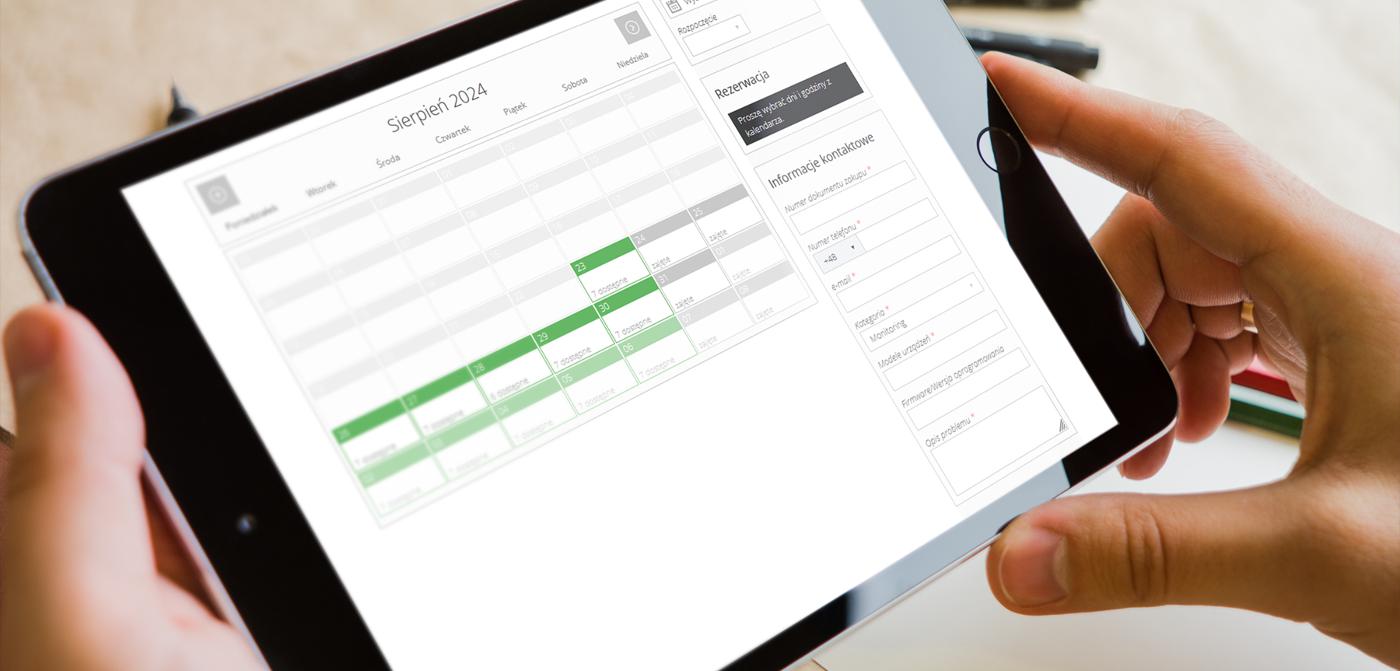
Additionally, you will find a link to an online calendar where you can agree on a specific installation date and time.
https://bazawiedzyeltrox.en/bookings-assistance/
Our technician will contact you at the exact date and time you have chosen to perform the configuration.
By following these steps, we will be able to provide you with a remote configuration service.
We guarantee your satisfaction with the services we offer: Our priority is your satisfaction with the services we offer.
To use the service, you need software that allows remote support!
Links to download the program: