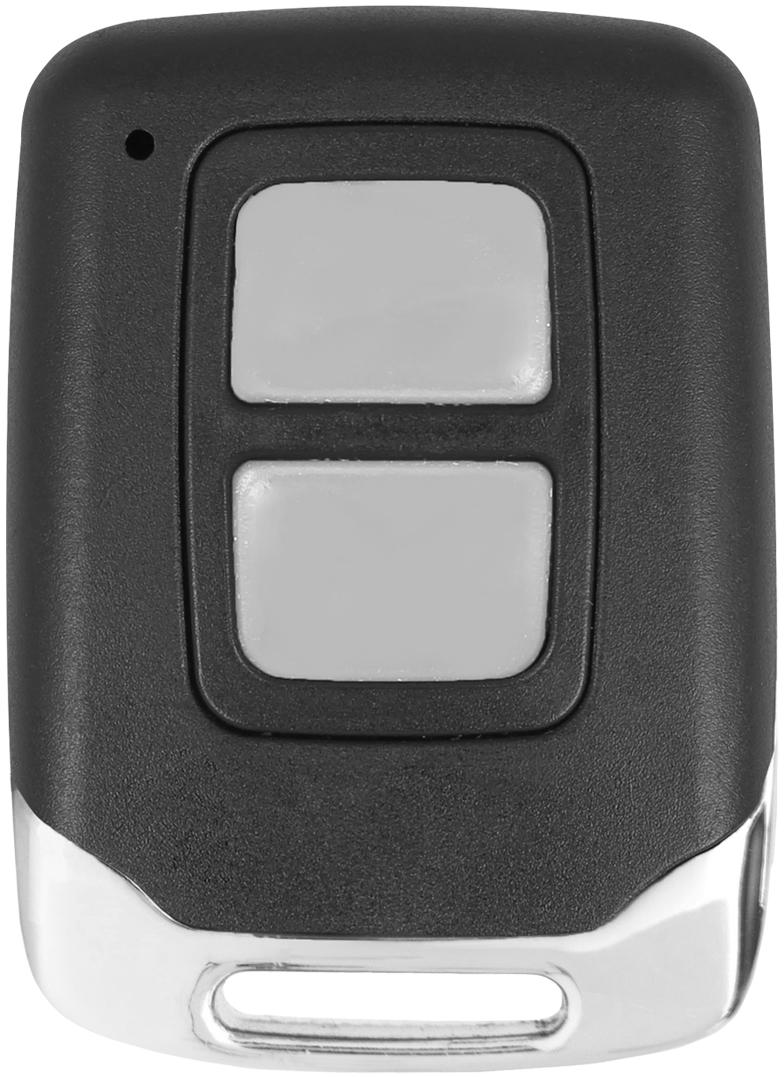

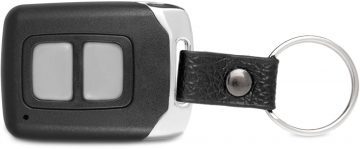
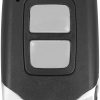
Proxima mini remote control-Proxima 433.92MHz system (BI: Click)
Goal
- Received for gateway. and other compatible devices with Proxima 433.92MHz system.
The set includes:
- Proxima MINI remote control (Proxima>
- Package Proxima
Proxima 433).
- Package Proxima
Features
- RADIO PATH CHECK: To check the radio path of a given remote control, quickly press any button on the remote control at least 10 times. The transmitter will indicate the radio path in use with a flashing red LED. Since Proxima offers many radio paths, the transmitter provides the radio path in 3-digit format instead of 2-digit format as before.
- CHECKING THE BATTERY STATUS:The user can check the current battery status at any time by pressing the remote control button three times. On the Proxima brand remote control, a green LED indicates the correct battery charge status, while a red LED indicates that the remote control battery needs to be replaced (more information about batteries).
- BI:CLICK FUNCTION: Proxima brand remote controls are set to ONE CLICK mode by default. It is possible to change the remote control operating mode to Bi:CLICK. To do this, quickly press, min. Any button on the remote control 20 times. We hold the last click until the diode starts to glow red. When the diode lights up, immediately release the button. The diode flashes (2 long and 4 short flashes - a fan anthem) signals the correct change of the remote control operating mode. By repeating the above procedure, the remote control operating mode is changed.
Technical specifications:
- Frequency: Button >Mhzli2 MHz button >Hull: chrome + plastic (eco-leather pendant)
- Battery: 1x CR2032 3V
- Dimensions: 32 x 44 x 12 mm